Complete Guide to
AI Video Production
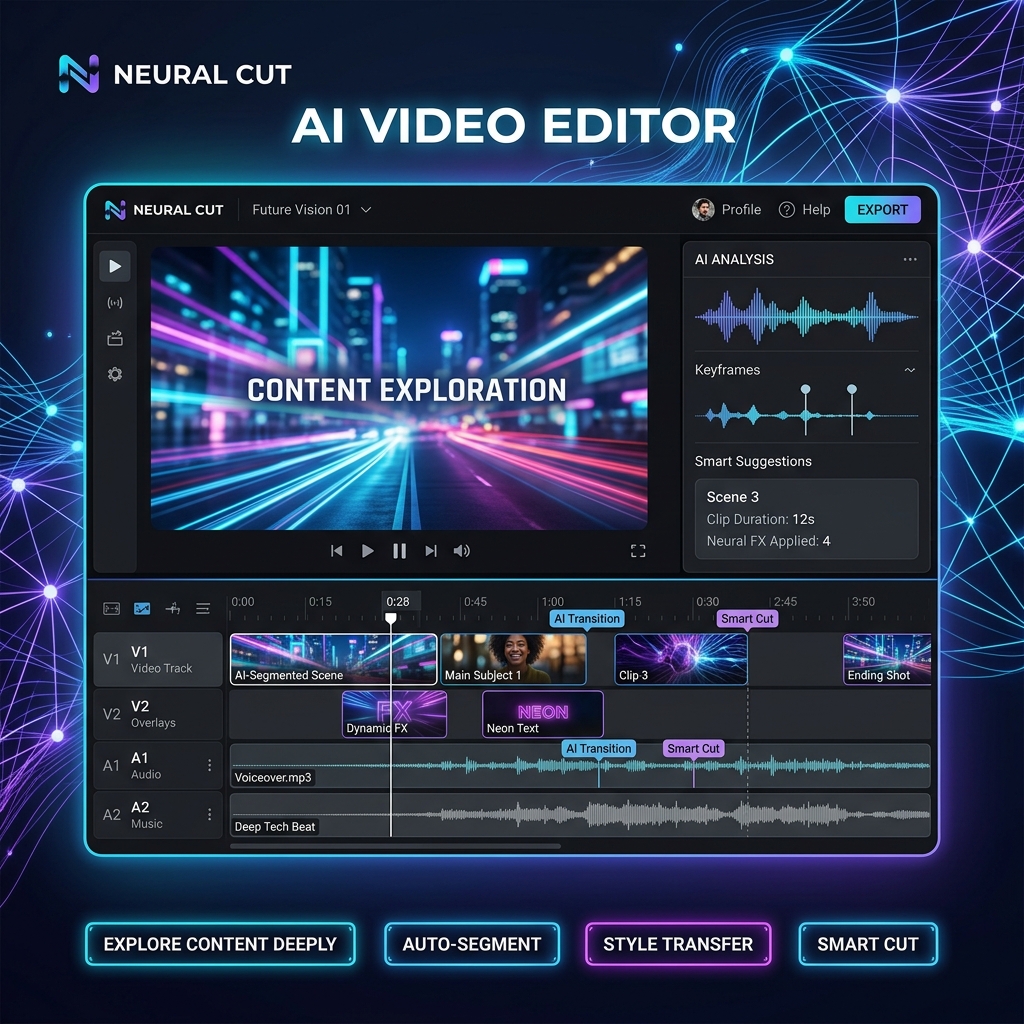
These tools are meant to augment your skills, not replace them. Use Descript for raw editing and Premiere for final touches. For social viral success, OpusClip is unbeatable.
Detailed Breakdown of AI Video Editing
1. Descript
Best For: Text-based video/audio editing. If you can edit a Word document, you can edit video. It also creates a "perfect" digital clone of your voice to fix mistakes without re-recording.
Pricing Plan: Free/Pro. Free tier is generous with 1 hour of transcription per month. Pro plans at $12-24/month for more features.
2. Adobe Premiere Pro (AI Enhanced)
Best For: Industry standard professional editing. It uses "Sensei AI" to auto-match colors, enhance bad dialogue, and create intelligent speech-to-text captions.
Pricing Plan: Subscription based. Part of the Adobe suite starting at $20.99/mo for just Premiere.
3. DaVinci Resolve (Neural Engine)
Best For: Color grading and complex subject isolation. Use the "Magic Mask" to perfectly cut out a moving person and change the background in seconds.
Pricing Plan: Free/One-time. The free version is incredibly powerful and includes 90% of features. The full Studio version is a one-time payment of $295.
4. Runway Inpainting & Retouch
Best For: Removing objects from moving video. Literally just paint over a person or car, and it disappears as if it was never there. It's the best for cleaning up footage.
Pricing Plan: Free/Paid. Free trial credits available. Regular monthly plans for standard use start at $15/month.
5. CapCut (AI Features)
Best For: Viral social media content. It has the best auto-captions, creative 3D zoom effects, and trendy transitions that use AI to dynamic-match audio.
Pricing Plan: Free/Pro. Many features are free. Pro version ($7.99/mo) offers higher bit-rate exports and exclusive cloud features.
6. Wondershare Filmora
Best For: Beginners who want professional results. Features include AI Smart Cutout and AI Audio Stretch (matches music automatically to the video length).
Pricing Plan: Free/Lifetime. Free version puts a watermark. Subscription for $49/year or a perpetual license for $79.99.
7. Munch AI
Best For: Repurposing content. It takes a long YouTube video and automatically finds the 10 most viral 30-second clips for TikTok and Reels.
Pricing Plan: Paid Only. No permanent free tier. Most users pay around $49/month for massive content output.
8. OpusClip
Best For: Face-focussed social shorts. This tool is legendary for keeping the speaker's face perfectly centered in a vertical crop using AI tracking.
Pricing Plan: Freemium. Offers limited free clips per month for trial. Pro plans start at around $19/month.
9. Detail.co
Best For: Content creators using iPhones. It transforms a mobile camera into a professional multi-cam setup with AI-driven recording and automatic editing.
Pricing Plan: Freemium. Free to download and use with limitations. Professional features at $7.99/mo.
10. InVideo AI
Best For: Fully automated video production from a single sentence. It writes the script, finds the B-roll, and does the voiceover entirely automatically.
Pricing Plan: Free/Plus. 10 minutes of free AI video per week (with watermark). Plus tier for $20/mo eliminates watermarks and offers more credits.